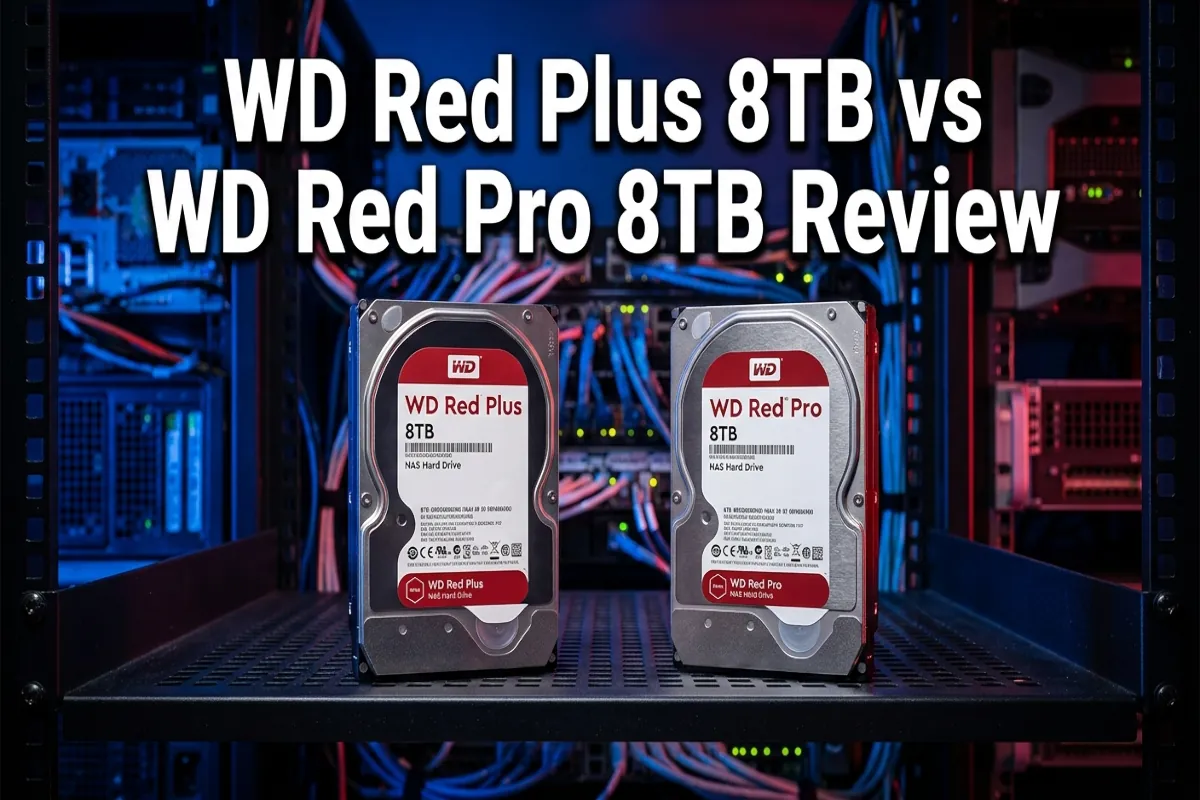
WD Red Plus vs WD Red Pro Review: Which 8TB NAS Drive Belongs in Your Security Vault?
Choosing the wrong hard drive for a surveillance NAS is not a cosmetic mistake — it is a system failure waiting to happen. Desktop drives fail under 24/7 write loads. Undersized cache creates frame drop under multi-camera recording. The wrong recording technology introduces write amplification that degrades drive life on a compressed timeline.
This Western Digital WD Red Plus vs WD Red Pro review cuts through the marketing language and gives you a field-level analysis of both drives against the specific demands of a residential security and surveillance build — the kind of continuous, high-write-cycle workload that exposes the difference between a drive that was specced correctly and one that was just cheap enough to seem reasonable at checkout.
The Setup: Why Drive Selection Is a Security System Decision
Most homeowners building a local surveillance NAS treat the hard drive as an afterthought — a commodity item selected by price per terabyte. That approach works fine for a media server storing movies. It fails systematically in a surveillance application.
A residential security NAS running Synology Surveillance Station with four to eight IP cameras generates continuous sequential write cycles, 24 hours a day, 365 days a year. The drive in that bay is not occasionally accessed — it is perpetually written to. The thermal profile, the workload rating, the recording technology, and the vibration compensation all matter in ways that a desktop or general-purpose NAS drive is not engineered to address.
Both drives in this comparison are purpose-built for NAS environments. Both carry WD’s surveillance-grade engineering pedigree. But they are not the same drive, and the difference between them is not just price — it is architecture, workload ceiling, and the specific use-case each was designed to handle. Understanding that distinction is the foundation of a correct specification decision for your security vault build.
The Comparison Table: WD Red Plus vs WD Red Pro Review — Spec for Spec
| Specification | WD Red Plus 8TB | WD Red Pro 8TB |
|---|---|---|
| Form Factor | 3.5-inch SATA III | 3.5-inch SATA III |
| Recording Technology | CMR (Conventional Magnetic Recording) | CMR (Conventional Magnetic Recording) |
| Cache | 128MB | 256MB |
| RPM | 5400 RPM (IntelliPower) | 7200 RPM |
| Max Sustained Transfer Rate | ~180 MB/s | ~272 MB/s |
| Workload Rating | 180TB/year | 300TB/year |
| MTBF | 1,000,000 hours | 1,000,000 hours |
| NAS Bay Support | Up to 8 bays | Up to 24 bays |
| Vibration Compensation | Standard | Enhanced (dual-plane balancing) |
| Best For | SOHO NAS, 1–4 camera residential builds | High-density NAS, AI analytics, 4–8+ camera builds |
| Warranty | 3 Years | 5 Years |
WD Red Plus 8TB: Individual Breakdown
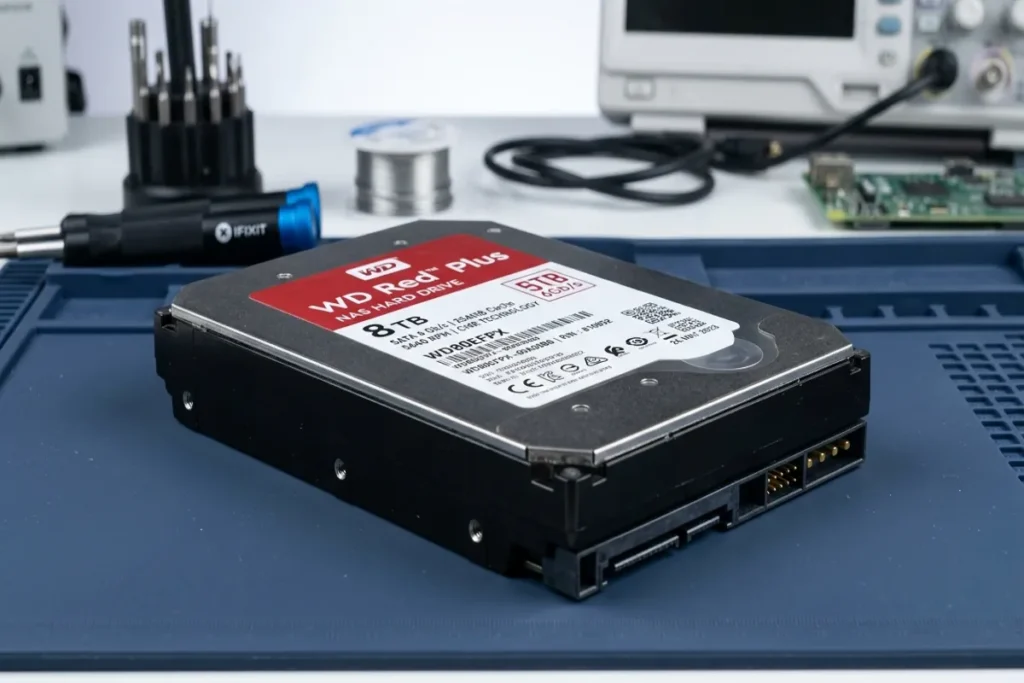
The WD Red Plus 8TB is the field-correct specification for a residential surveillance build running four cameras or fewer on a single NAS enclosure. It uses CMR (Conventional Magnetic Recording) technology — a critical specification point that separates it from the SMR-based drives that occasionally appear in the Red lineup. CMR writes data to non-overlapping tracks, which means there is no rewrite penalty during continuous recording. In a surveillance application where the NAS is writing video data in a steady sequential stream, CMR is the correct recording architecture. SMR drives introduce write amplification under sustained sequential loads that degrades both performance and drive longevity over time.
The Red Plus 8TB runs at WD’s IntelliPower variable RPM, which in practice operates in the 5400 RPM range. The 128MB cache handles the buffer demands of a four-camera continuous recording configuration without saturation. The 180TB/year workload rating is sufficient for a residential build where four cameras are recording at 1080p or 4MP resolution with motion-triggered recording rather than full continuous 24/7 streams on all channels simultaneously.
Where the Red Plus shows its ceiling is in high-density, high-resolution, or AI-analytics-enabled configurations. If your Synology Surveillance Station is running deep learning motion detection, eight cameras at 4K resolution, or continuous 24/7 recording on all channels, the 180TB/year workload rating and 128MB cache will be under pressure. For those builds, the Red Pro is the correct specification.
WD Red Plus 8TB: Pros and Cons
- Pro: CMR recording technology — no write amplification penalty under sustained sequential surveillance workloads.
- Pro: Correctly sized for 1-to-4-camera residential NAS builds at standard HD and 4MP resolution.
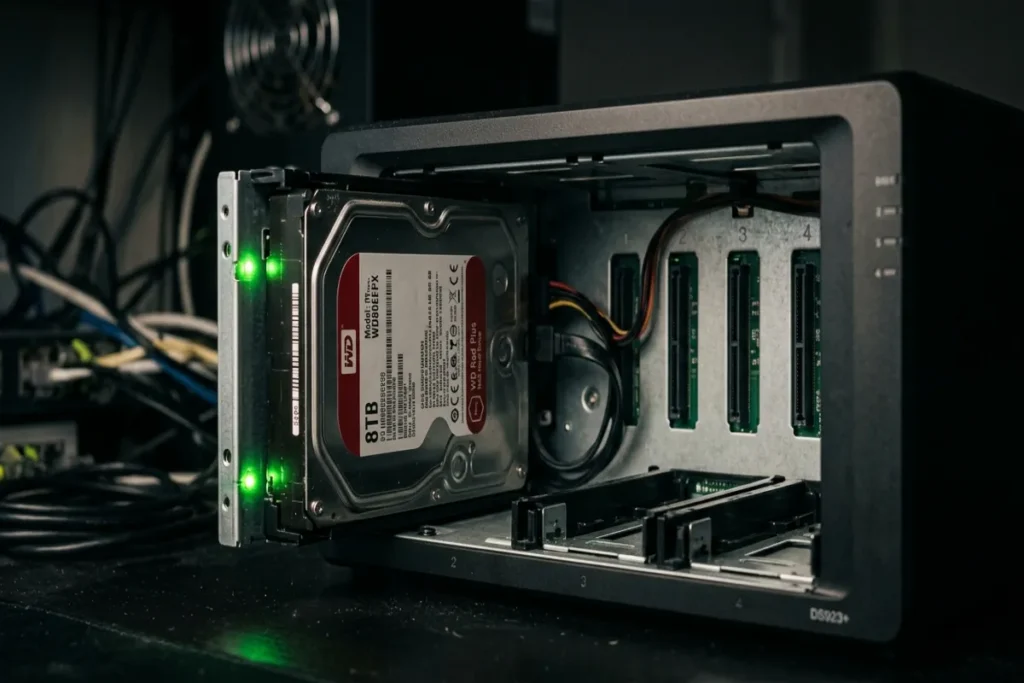
- Pro: Lower power draw and heat output compared to the 7200 RPM Red Pro — relevant in a small enclosure like the Synology DS425+.
- Pro: Strong price-to-capacity value for entry-level and mid-tier residential surveillance vaults.
- Con: 180TB/year workload ceiling limits headroom for AI analytics or high-camera-count continuous recording.
- Con: 128MB cache is adequate but not generous — multi-stream write operations at high resolution will approach the buffer ceiling faster than the Red Pro.
- Con: 3-year warranty versus the Red Pro’s 5-year coverage — a meaningful difference in a drive that runs continuously.
Check current pricing on the WD Red Plus 8TB on Amazon and confirm it is the correct specification for your camera count and recording configuration before purchasing.
WD Red Pro 8TB: Individual Breakdown
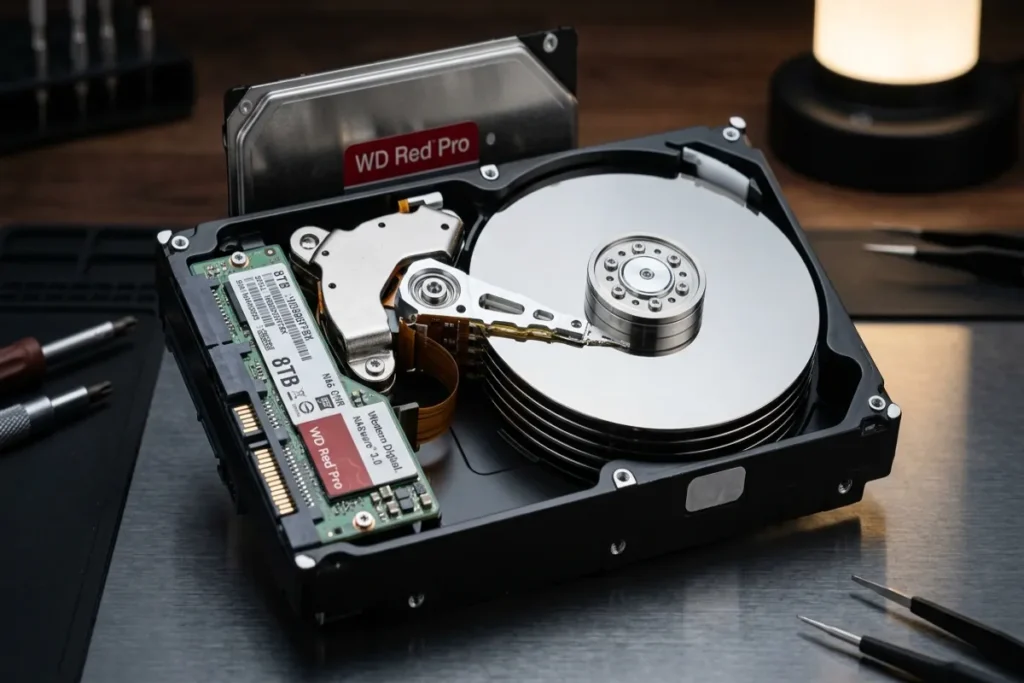
The WD Red Pro 8TB is the correct specification when the residential surveillance build crosses the threshold where the Red Plus runs out of headroom. That threshold is defined by three converging factors: camera count above four, AI-enabled deep learning analytics at the NVR level, and continuous 24/7 recording on all channels simultaneously. When any two of those three conditions are present in the same build, the Red Pro is the drive that belongs in the bay.
The architectural differences between the Red Plus and Red Pro are not incremental — they are categorical. The Red Pro runs at a full 7200 RPM with a 256MB cache, delivering a maximum sustained transfer rate of approximately 272 MB/s. That is roughly 50% more throughput than the Red Plus under sustained sequential write conditions. The workload rating climbs to 300TB/year — a 67% increase over the Red Plus — which provides genuine headroom for builds that push continuous write cycles across multiple high-resolution streams simultaneously.
The Red Pro also features enhanced dual-plane vibration compensation, which becomes operationally relevant in a multi-bay NAS enclosure. When multiple drives spin simultaneously in adjacent bays, the rotational vibration from one drive can introduce read/write errors in neighboring drives — a phenomenon that WD’s dual-plane balancing is specifically engineered to suppress. In a four-bay Synology DS425+ loaded with four Red Pro drives, that vibration compensation is not a theoretical benefit; it is an active contributor to data integrity under load.
The 5-year warranty on the Red Pro reflects WD’s confidence in the drive’s workload tolerance. For a drive running continuously in a security-critical application, that additional two years of coverage is a meaningful specification advantage — particularly in a system where drive failure means a gap in surveillance footage.
WD Red Pro 8TB: Pros and Cons
- Pro: 7200 RPM and 256MB cache deliver ~272 MB/s sustained transfer — correct specification for high-density, high-resolution, and AI-analytics-enabled NAS builds.
- Pro: 300TB/year workload rating provides genuine headroom for continuous 24/7 multi-camera recording without approaching the drive’s operational ceiling.
- Pro: Enhanced dual-plane vibration compensation — critical for data integrity in multi-bay enclosures under simultaneous multi-drive load.
- Pro: 5-year warranty — the correct coverage standard for a drive in continuous security-critical operation.
- Pro: Supports NAS enclosures up to 24 bays — the correct specification for any build with a growth path beyond a single 4-bay enclosure.
- Con: Higher power draw and heat output at 7200 RPM — requires adequate enclosure ventilation and may increase operating temperature in a compact NAS build.
- Con: Premium price point over the Red Plus — the cost delta is justified by the workload ceiling, but over-specified for a simple 2-to-4-camera build with standard HD recording.
View full specifications and check current pricing on the WD Red Pro 8TB on Amazon before committing to your NAS storage configuration.
The Buying Guide: 3 Technical Parameters That Determine the Correct Drive for Your Build
1. Workload Rating vs. Your Actual Annual Write Volume
Workload rating — expressed in terabytes written per year (TB/year) — is the single most important specification for a surveillance drive. To calculate your actual annual write volume: multiply the total bitrate of all recording cameras (in MB/s) by 86,400 seconds per day, then by 365 days, then divide by 1,000 to convert to terabytes.
A four-camera system recording at a combined 16 Mbps generates approximately 63TB of write data per year — well within the Red Plus’s 180TB/year ceiling. An eight-camera system recording at 32 Mbps generates approximately 126TB per year — still within the Red Plus ceiling, but with limited headroom.
Add AI deep learning analytics, which generates additional write overhead for metadata and index files, and the Red Pro’s 300TB/year rating becomes the correct specification. Proper layout math on this calculation before purchasing prevents drive replacement under warranty conditions — which is always a more expensive outcome than buying the correct drive the first time.
2. Recording Technology: CMR Is Non-Negotiable for Surveillance
Both the WD Red Plus 8TB and WD Red Pro 8TB use CMR (Conventional Magnetic Recording) technology. This is a non-negotiable requirement for any drive installed in a surveillance NAS. SMR (Shingled Magnetic Recording) drives — which appear in some lower-tier NAS drive options — use overlapping write tracks that require a rewrite process when data is modified.
Under the sustained sequential write profile of a surveillance NAS, that rewrite overhead creates a performance bottleneck that manifests as frame drop, recording gaps, and accelerated drive wear. Both drives in this comparison clear that bar correctly. Verify CMR specification on any drive you consider outside of this comparison before purchasing.
3. NAS Compatibility and Synology Compatibility Lists
Both the WD Red Plus 8TB and WD Red Pro 8TB are listed on Synology’s official compatibility list for the DS425+ and other current-generation Synology NAS enclosures. Before installing any drive in a NAS enclosure, verify the drive model number against the manufacturer’s compatibility list — not just the drive family name. Firmware-level compatibility between the NAS controller and the drive’s internal management protocol affects both performance and error reporting. A drive that is not on the compatibility list may function in some configurations but will not receive full SMART diagnostic support from the NAS operating system, which compromises your ability to detect early-stage drive failure before it results in data loss.
Common Field Questions: NAS Drive Selection FAQ
Q: Can I mix WD Red Plus and WD Red Pro drives in the same Synology NAS?
Technically, yes — Synology’s DSM operating system will accept mixed drive configurations in a JBOD or basic volume. However, mixing drive speeds and cache sizes in a RAID array is not the correct field practice. In a RAID 1 or RAID 5 configuration, the array’s performance defaults to the slowest drive in the set. A mixed Red Plus and Red Pro array will perform at Red Plus speeds regardless of how many Red Pro drives are present. For a surveillance NAS where consistent write throughput is operationally critical, specify uniform drives across all bays. If budget requires a phased approach, start with one or two Red Pro drives in a JBOD configuration and expand with matching drives as the build grows.
Q: Do these drives work with Scrypted for Apple Home live video integration?
Yes — and this is the correct architecture for a local, subscription-free Apple Home surveillance build. Scrypted running on a Synology NAS translates RTSP camera streams from compatible IP cameras into HomeKit-compatible feeds without routing video data through any external server. The NAS drive in this configuration handles both Surveillance Station recording and Scrypted’s transcoding cache simultaneously. For a build running Scrypted alongside Synology Surveillance Station on the same NAS, the Red Pro’s higher cache and workload rating is the correct specification — the dual simultaneous workloads will push a Red Plus closer to its operational ceiling than a standalone recording-only configuration.
Q: How often should NAS drives be replaced in a surveillance application?
The correct preventative maintenance interval for surveillance NAS drives is a proactive replacement at the 4-to-5-year mark for the Red Plus (aligned with its 3-year warranty plus a conservative operational buffer) and at the 5-to-6-year mark for the Red Pro (aligned with its 5-year warranty). Do not wait for a SMART failure alert to initiate replacement — by the time a drive reports reallocated sectors or pending sectors in SMART diagnostics, data integrity is already at risk. Monitor SMART data monthly through Synology’s Storage Manager, set up automated email alerts for any SMART warning condition, and treat a first SMART warning as a replacement trigger rather than a monitoring event.
The Authority Baseline: Why Drive Specs Connect to Your Security System Architecture
The drives in this comparison do not operate in isolation. They are components in a layered security architecture that starts at the Vista-20P control panel, runs through the Envisalink IP bridge, connects to Homebridge on the local NAS, and delivers live camera feeds through Scrypted into Apple Home.
Every layer of that stack has a performance dependency on the layer below it. A drive that drops frames under load does not just create a storage gap — it creates a security gap. Resideo Technologies, the manufacturer behind the Honeywell Vista-20P platform, engineers their hardware to operate reliably for decades. The storage infrastructure supporting that system deserves the same specification discipline.
WD Red Plus vs WD Red Pro Review: The Final Verdict
This WD Red Plus vs WD Red Pro review comes down to an honest workload calculation, not a brand preference. Both drives are correctly engineered for NAS surveillance applications. Both use CMR recording technology. Both are compatible with Synology enclosures. The decision point is determined entirely by your camera count, your recording configuration, and whether AI analytics are running on the same NAS platform.
Choose the WD Red Plus 8TB if: You are running four cameras or fewer at standard HD or 4MP resolution, recording on motion-triggered rather than full continuous 24/7 mode, and not running AI deep learning analytics on the same NAS. The Red Plus delivers the correct performance profile for that configuration at a price point that reflects its workload ceiling. Check current pricing on the WD Red Plus 8TB on Amazon and confirm it matches your camera count before purchasing.
Choose the WD Red Pro 8TB if: You are running five or more cameras, recording continuously on all channels, running Scrypted and Surveillance Station simultaneously on the same NAS, or enabling AI-based motion analytics. The Red Pro’s 7200 RPM spindle, 256MB cache, 300TB/year workload rating, and 5-year warranty are the correct specifications for that configuration. The price premium over the Red Plus is the cost of a drive that will not become the weak link in a security-critical storage build. View full specifications and buy the WD Red Pro 8TB on Amazon to complete your surveillance vault build at the correct specification level.
Complete Your Security Vault: Every Component Specified and Sourced
The NAS drive is one component in a complete local security architecture. The full hardware stack — Vista-20P control panel, Envisalink IP bridge, PoE switch, IP cameras, Homebridge integration, and every wire gauge, connector, and power supply required for a contractor-grade residential installation — is documented, specified, and sourced in the Honeywell Vista-20P parts guide at cdavidchase.com. If you are building a complete local security ecosystem — hardwired panel, local NVR, and Apple Home integration with zero subscriptions — that resource is the complete bill of materials for every component in the stack.
Every specification, workload calculation, and compatibility recommendation in this WD Red Plus vs WD Red Pro review is drawn from 31 years of production-scale contracting work and real-world troubleshooting on residential security and surveillance systems.
This is not theoretical guidance pulled from a product page. It is the same field-tested methods and diagnostic approach applied to every component in the integrated home security build documented on this site.
Specify the correct drive for your workload, install it in a correctly configured NAS enclosure, and build a surveillance vault that does not have an expiration date.
As an Amazon Associate, I earn from qualifying purchases at no extra cost to you.