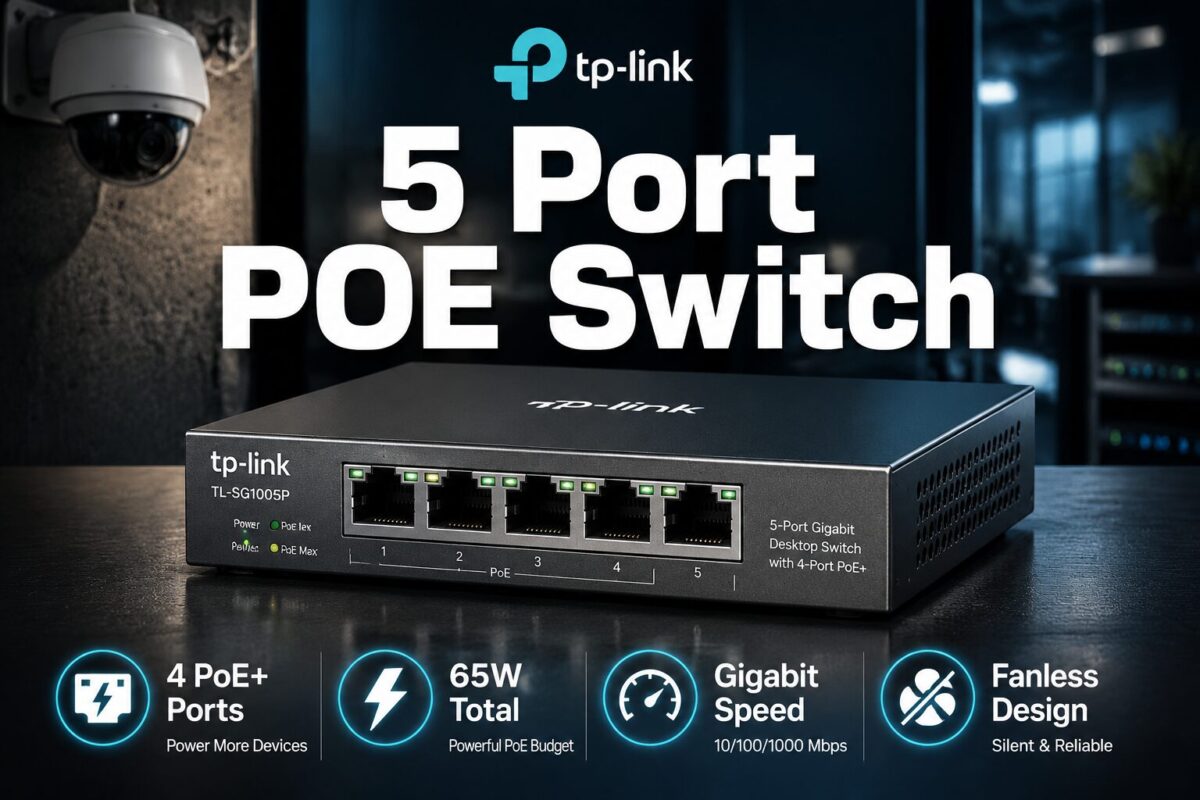
Introduction: TP-Link TL-SG1005P 5-Port PoE Switch Review | Stop Wasting Money on Power Adapters You Don’t Need
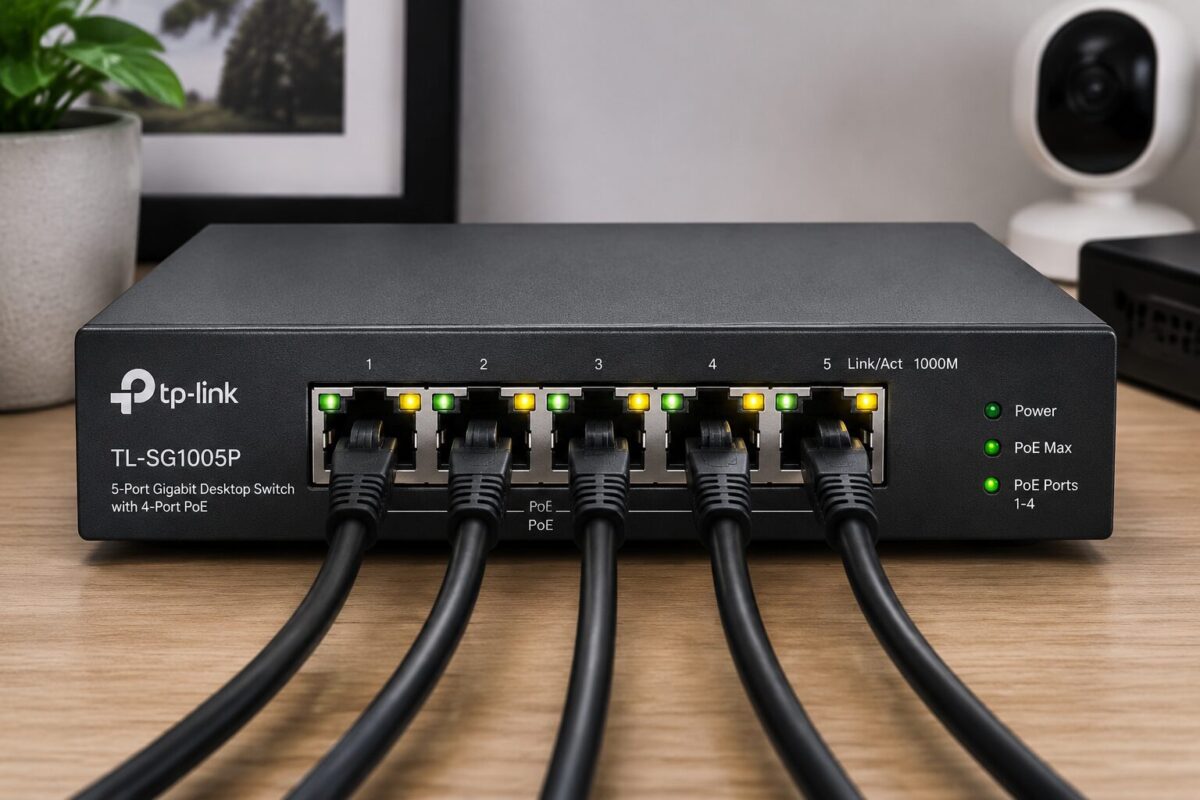
TP-Link TL-SG1005P 5-Port PoE Switch Review
After 31 years in the trades, I’ve watched homeowners and small business owners make the same expensive mistake over and over again: they buy a quality IP security camera or wireless access point, then scramble to run both a data cable and a power cable to every single device. That’s double the labor, double the materials, and double the headache, especially when you’re working in tight crawl spaces, attic runs, or finished walls.
Power over Ethernet (PoE) technology solves that problem cold. One cable carries both data and power to your device. No outlet required at the camera location. No separate power brick. No second trip up the ladder.
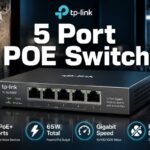
But here’s where a lot of people stumble: they buy a PoE switch that’s either underpowered, plasticky garbage, or so feature-bloated it requires a network engineering degree to configure. That’s exactly why the TP-Link TL-SG1005P deserves a serious, field-tested look. This is a compact, plug-and-play, 5-port Gigabit PoE switch with 4 PoE+ ports and a 65W power budget, and it’s built to sit quietly in your network closet, utility room, or desktop setup and just work.
Let’s break it down the right way.
Product Overview: What the TL-SG1005P Actually Is
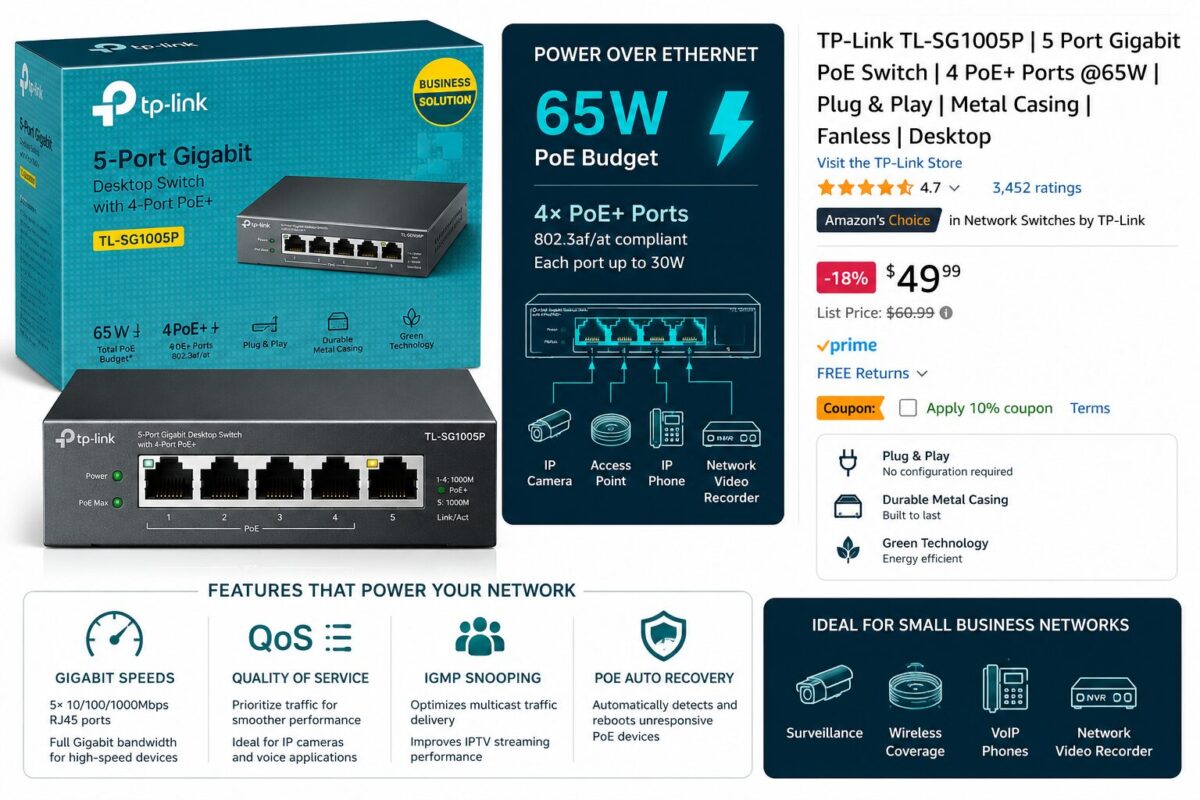
The TP-Link TL-SG1005P is an unmanaged desktop Gigabit switch with five RJ45 ports total. Four of those ports support IEEE 802.3at PoE+, and one port serves as an uplink port that connects back to your router or main network switch. The total PoE power budget is 65 watts, which is shared across those four active PoE+ ports.
TP-Link is a well-established networking hardware manufacturer with a long track record in both consumer and SMB (small-to-medium business) markets. They’re not a fly-by-night brand, they’ve been producing reliable network hardware for decades, and the TL-SG1005P sits in their proven “easy smart” and unmanaged product lineup.
Who does this solve problems for?
- Homeowners running IP security cameras (Hikvision, Dahua, Reolink, Amcrest, etc.)
- DIYers installing a wireless access point in a garage, barn, or outbuilding
- Small offices needing to power VoIP phones without outlet clutter
- Residential property managers upgrading surveillance infrastructure
- Anyone who wants clean, professional cable runs without the mess of power adapters
This switch is not managed, meaning there’s no web interface, no login page, no VLAN configuration menus. You plug it in, connect your devices, and it works. That simplicity is a feature, not a limitation, for the target audience.
Key Features Deep Dive
1. Four PoE+ Ports with a 65W Power Budget
This is the headline spec, and it matters more than most buyers realize. The IEEE 802.3at PoE+ standard delivers up to 30 watts per port, which is a significant upgrade over the older 802.3af standard (15.4W per port). That extra headroom means you can power more demanding devices: PTZ cameras that need motor power, dual-band access points with higher power draws, or outdoor cameras with built-in heaters for cold climates.
The 65W total budget is the number you need to plan around. Here’s the practical math: if you’re running four standard IP cameras drawing about 10-12 watts each, you’re looking at 40-48 watts total, well within budget. If you’re running a mix of cameras and a power-hungry access point drawing 20-25 watts, you still have room to breathe. Where you need to be careful is if you’re trying to max out all four ports with high-draw devices simultaneously. Know your device specs before you buy.
2. Full Gigabit Speed on All Ports
Every port on this switch, including the uplink, operates at 10/100/1000 Mbps. That’s true Gigabit on all five ports. This matters for modern IP cameras shooting 4K or high-bitrate H.265 video. A 100Mbps port can technically handle several cameras, but Gigabit gives you the headroom for future upgrades and eliminates any potential bottleneck in high-traffic environments.
From a contractor-grade quality standpoint, Gigabit on every port is the baseline I’d recommend for any new installation. Don’t accept anything less in 2024 and beyond.
3. Plug & Play, Zero Configuration Required
There is no setup process. Literally none. You connect the power adapter, plug in your ethernet cables, and the switch begins forwarding traffic immediately. The auto-negotiation handles speed and duplex settings automatically. The auto-MDI/MDIX feature means you don’t have to worry about crossover cables.
For the DIY homeowner who isn’t a network engineer, this is a genuine relief. There’s no firmware to update before first use, no app to download, no account to create. It just works, and that reliability is something I’ve come to appreciate deeply after years of troubleshooting overly complicated gear on job sites.
4. Sturdy Metal Chassis with Shielded Ports
Here’s where the TL-SG1005P separates itself from budget plastic switches. The enclosure is steel construction, not the thin, flex-prone plastic you find on cheaper units. In a working environment, whether that’s a network closet with temperature swings, a utility room with vibration, or a desktop setup that gets bumped occasionally, metal construction means long-term durability.
The shielded RJ45 ports are equally important. Shielding on the ports reduces electromagnetic interference (EMI), which matters in environments with electrical motors, HVAC equipment, or other sources of electrical noise. If you’re running this switch near a breaker panel or in an industrial-adjacent space, those shielded ports are doing real work.
5. Fanless, Silent Operation
No fan means no noise. It also means no moving parts to fail. The TL-SG1005P dissipates heat passively through its metal chassis. In a home environment, bedroom, home office, living room AV cabinet, silent operation is non-negotiable. Even in a utility closet, fanless operation means one less thing to maintain or replace.
From a preventative maintenance standpoint, fan-based switches in dusty environments eventually clog and overheat. Fanless design eliminates that failure mode entirely.
6. QoS (Quality of Service) Support
Even though this is an unmanaged switch, it includes 802.1p QoS support. This allows the switch to prioritize certain types of traffic, specifically, it can prioritize VoIP traffic or video streams to reduce latency and packet loss. For a security camera system, this means your video feeds get priority bandwidth when the network is under load.
This is a feature you typically see on managed switches. Getting it in an unmanaged form factor at this price point is a genuine value-add.
7. IGMP Snooping
IGMP Snooping is a network efficiency feature that prevents multicast traffic from flooding all ports unnecessarily. In plain English: if you have IP cameras streaming video, the switch intelligently routes that video traffic only to the ports that need it, rather than broadcasting it everywhere. This reduces unnecessary network load and improves overall performance in multi-camera setups.
Again, finding IGMP Snooping in an unmanaged switch at this price tier is above-average for the category.
Hands-On Experience: Real-World Usage Scenarios
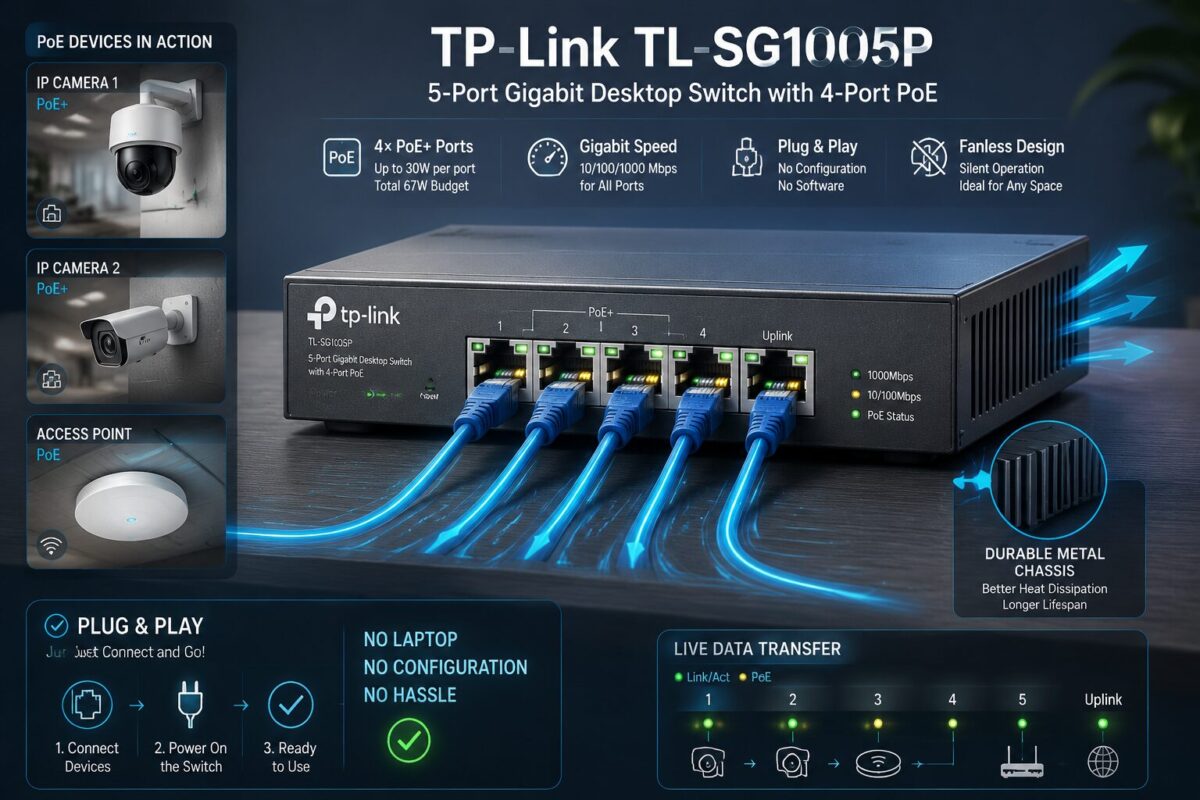
Security Camera Installation: This is the sweet spot for the TL-SG1005P. A four-camera IP system, one camera per PoE port, connects cleanly with a single Cat6 run to each camera location. No power outlets needed at the camera. The switch sits near the NVR (Network Video Recorder) or router, and the whole system runs off one power point at the switch location. Clean, professional, and exactly how a proper installation should look.
Wireless Access Point Deployment: Running a single access point to a detached garage or outbuilding? One Cat6 run from this switch powers and connects the AP. No need to run electrical to the garage just for the access point. This is a real-world troubleshooting solution I’ve recommended dozens of times.
VoIP Phone Systems: Small offices running 3-4 VoIP phones can power all of them from this single switch. The QoS feature actively helps voice call quality by prioritizing VoIP packets.
Performance Impressions: The switch handles simultaneous Gigabit traffic across all ports without throttling. LED indicators on each port give you instant visual confirmation of link status and activity, green for link, blinking for activity. In field conditions, those LEDs are your first diagnostic tool when troubleshooting a connection issue.
The unit runs warm to the touch under full load, that’s the metal chassis doing its job as a heat sink. It never gets hot enough to be a concern.
Pros & Cons
✅ What We Love
- True Gigabit on all 5 ports, no bottlenecks, future-proof for 4K cameras
- PoE+ standard (802.3at), 30W per port handles demanding devices
- 65W total PoE budget, sufficient for most 4-device residential setups
- Metal chassis with shielded ports, contractor-grade build quality that lasts
- Fanless design, silent operation, zero moving parts to fail
- Zero configuration required, genuine plug-and-play for non-technical users
- QoS support, unusual value-add for an unmanaged switch
- IGMP Snooping, smarter traffic management than you’d expect at this price
- Compact desktop form factor, fits anywhere without rack mounting
- TP-Link reliability, established brand with proven track record
❌ What Could Be Better
- 65W total budget can be limiting, maxing out all four ports with high-draw devices requires careful planning
- No management interface, advanced users wanting VLAN support or port monitoring need a different product
- Only 5 ports, growing installations will need a second switch or larger unit
- No wall-mount brackets included, mounting options are limited out of the box
- Single uplink port, no redundant uplink capability for critical applications
Who Should Buy This?
The TL-SG1005P is the right tool for:
- Homeowners installing 1-4 IP security cameras who want clean, single-cable runs
- DIY enthusiasts setting up a home network with wireless access points
- Residential property managers upgrading to modern IP-based surveillance
- Small offices running VoIP phones and needing a simple, reliable PoE solution
- Anyone who values simplicity over advanced configuration options
- Budget-conscious buyers who don’t want to sacrifice build quality for price
If your installation involves four or fewer PoE devices, you need Gigabit speeds, and you want something that works without a network engineering background, this switch is built for you.
Who Should Skip This?
Be honest with yourself. This switch is not the right choice if:
- You need more than 4 PoE devices, you’ll hit port limits immediately
- Your devices have high power draws (25-30W each) and you need all four ports maxed simultaneously, the 65W budget won’t cover it
- You need VLAN support or network segmentation for security isolation
- You’re building a rack-mounted infrastructure, this is a desktop unit
- You need port mirroring or traffic monitoring for diagnostic purposes
- Your installation requires redundant uplinks or link aggregation
For those scenarios, step up to a managed PoE switch with a higher port count and larger power budget.
How to Get the Best Deal
Buy directly through Amazon using the link below. TP-Link products on Amazon are typically fulfilled by Amazon itself or authorized sellers, which protects your warranty. Avoid third-party marketplace sellers offering suspiciously low prices, counterfeit networking hardware exists and it’s not worth the risk.
Check for bundle deals, occasionally you’ll find this switch bundled with Cat6 patch cables or included in a broader networking kit at a slight discount.
Watch for Lightning Deals, TP-Link runs periodic promotions on Amazon, particularly around Prime Day and major sale events. If you’re not in a rush, setting a price watch alert can save you a few dollars.
Buy the right version, make sure you’re purchasing the TL-SG1005P (the PoE version) and not the TL-SG1005D (which is non-PoE). The model numbers are similar enough to cause confusion.
FAQ Section
Q: Can I power a PTZ (pan-tilt-zoom) security camera with this switch? A: Yes, in most cases. Most PTZ cameras draw between 12-20 watts. The TL-SG1005P’s PoE+ ports deliver up to 30W each, which covers the majority of PTZ cameras on the market. Check your specific camera’s power spec before purchasing to confirm compatibility.
Q: Does this switch work with non-PoE devices? A: Absolutely. All five ports function as standard Gigabit ethernet ports regardless of PoE. Connecting a non-PoE device (like a laptop or NVR) to any port works normally, the switch only delivers power when it detects a PoE-compatible device through the standard negotiation process.
Q: What’s the maximum cable run length I can use with PoE? A: The IEEE standard for PoE over ethernet is 100 meters (328 feet) using Cat5e or better cable. Beyond that distance, you’ll experience signal degradation and potential PoE delivery issues. For runs approaching that limit, use quality Cat6 cable and ensure your connections are properly terminated.
Q: Do I need any special software or app to use this switch? A: No. The TL-SG1005P is a true plug-and-play unmanaged switch. There is no software, no app, no web interface, and no configuration required. Connect power, connect your devices, done.
Q: Can I mount this switch on a wall? A: The unit doesn’t include wall-mount brackets out of the box, but the metal chassis does have mounting slots on the bottom that can accommodate aftermarket mounting solutions. For a clean wall installation, you’d need to source a compatible bracket separately.
Q: What happens if my connected devices try to draw more than 65W total? A: The switch uses intelligent PoE power management. If the total power demand exceeds 65W, the switch prioritizes power delivery based on port priority (lower-numbered ports get priority). Higher-priority ports maintain power while lower-priority ports may be reduced or cut off. This prevents the switch from overloading, but it’s a situation you want to avoid through proper planning.
Final Verdict
After 31 years in the trades, I’ve learned to respect tools and equipment that do exactly what they’re supposed to do, reliably, quietly, and without drama. The TP-Link TL-SG1005P is that kind of equipment.
It’s not flashy. It doesn’t have a management interface or a mobile app. What it has is solid metal construction, true Gigabit speeds, legitimate PoE+ power delivery, fanless silent operation, and zero-configuration simplicity, all in a compact form factor that fits anywhere.
For homeowners installing IP security cameras, DIYers running access points to outbuildings, or small offices powering VoIP phones, this switch delivers contractor-grade functionality at a price point that makes sense. The QoS and IGMP Snooping features are genuine bonuses that improve real-world performance beyond what you’d expect from an unmanaged switch.
Plan your power budget carefully, make sure your device count doesn’t exceed four PoE devices, and this switch will serve you reliably for years. That’s the honest, straight-to-the-point assessment.
Rating: 4.5 out of 5
Building a secure, locally managed ecosystem means reclaiming full sovereignty over your home’s data and infrastructure. Transitioning away from unstable cloud subscriptions to a centralized, contractor-grade server footprint gives you complete command over your automation logs, security feeds, and system diagnostics.
Before running your initial integration loops or mounting physical components to your panel enclosure, check out our complete Honeywell Vista 20P Parts breakdown to audit your current configuration, calculate your auxiliary power draw, and verify that your hardwired expansion boards match a reliable, cloud-free blueprint.